
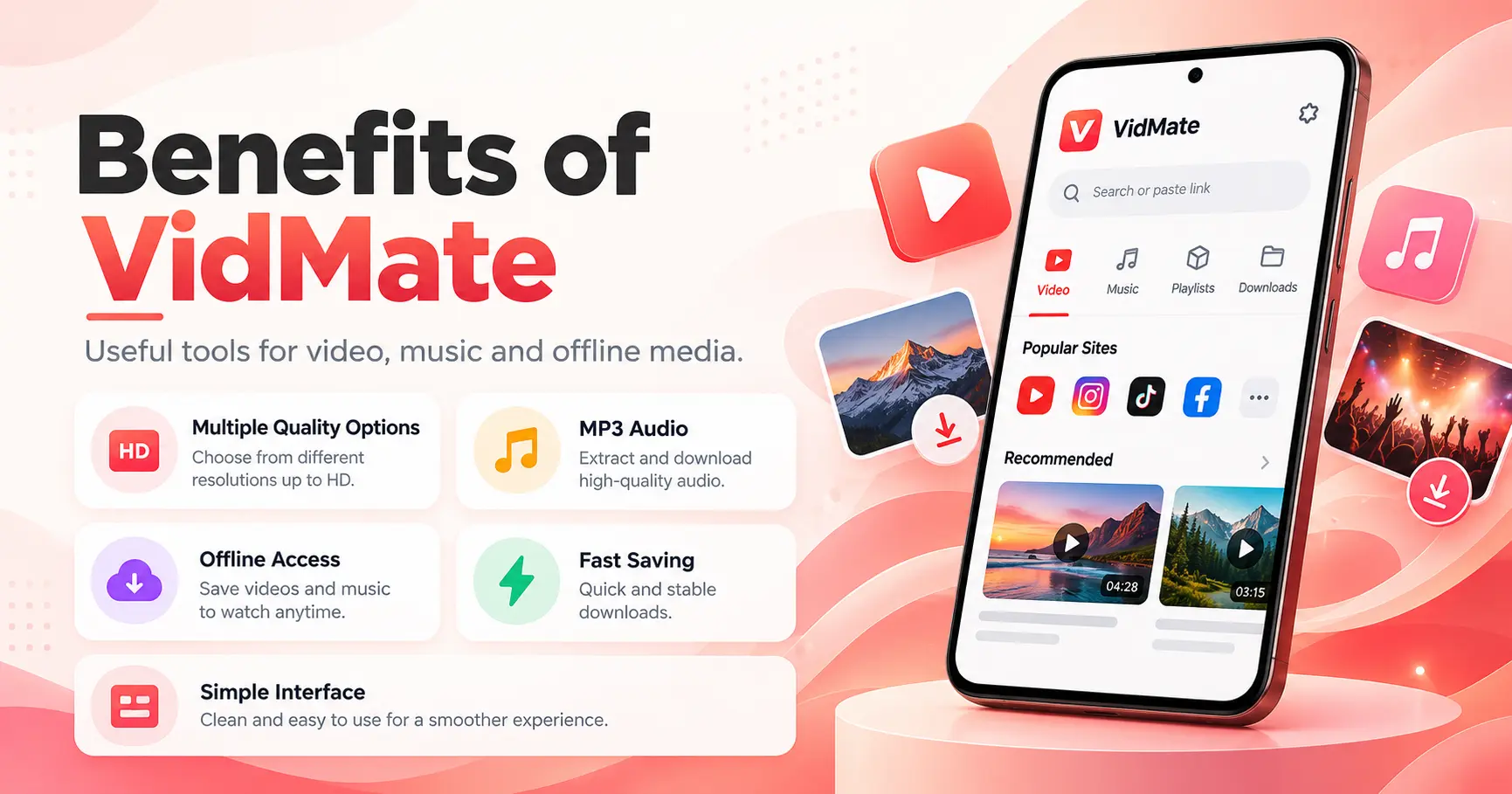
VidMate App for Android Save Videos, Music & Media Offline
VidMate brings supported video, audio and media downloading tools into one simple Android experience. Choose suitable quality, manage downloaded files and keep permitted content available for offline viewing whenever you need it.
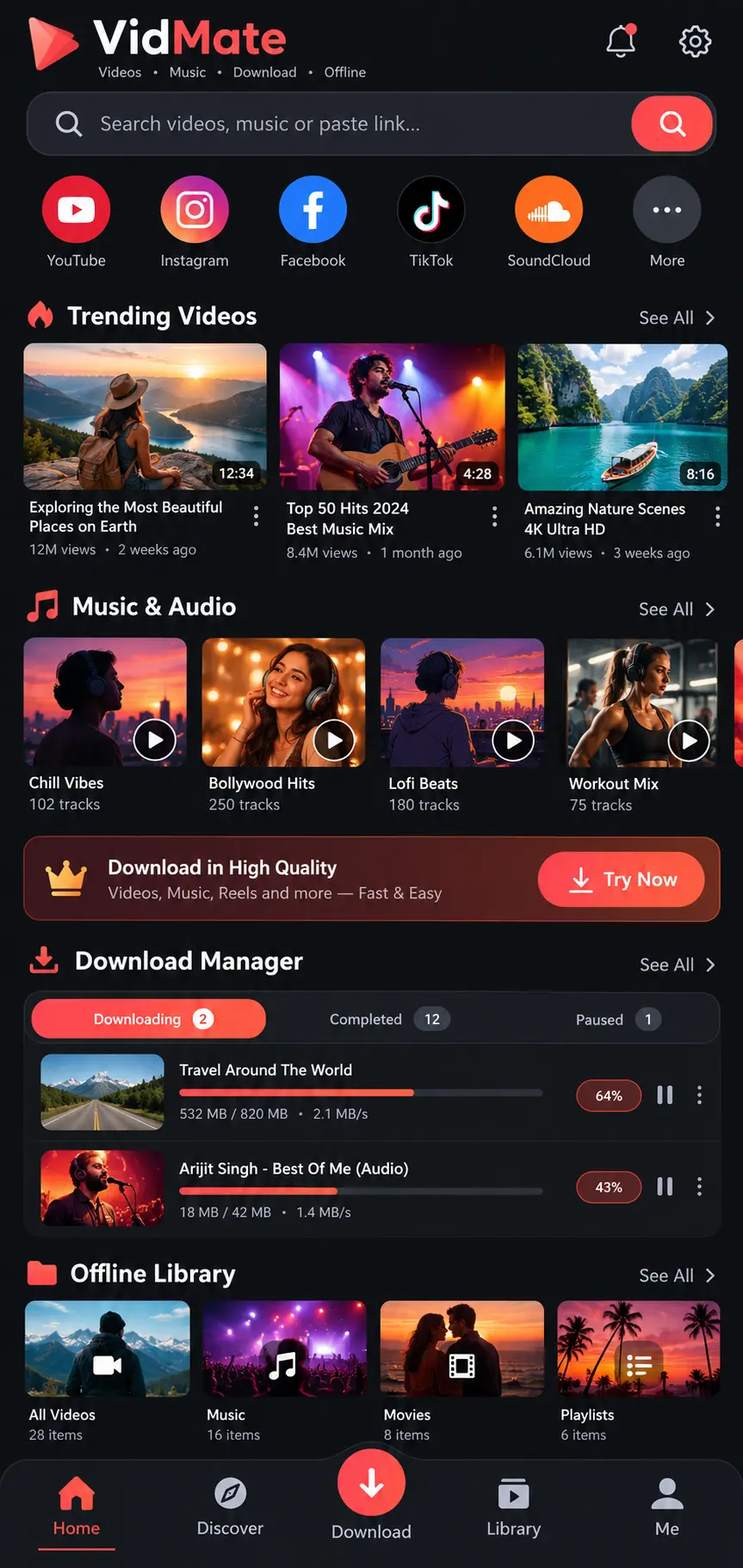
VidMate APK is an Android multimedia application designed for users who want to save supported videos, music, and other media files for offline access. It combines media browsing, downloading, quality selection, file management, and playback tools within a single interface. Users can choose from available video resolutions, save supported audio formats, monitor downloads, and organise saved files according to their device storage.
The app is particularly useful for people who prefer keeping permitted media available offline instead of streaming the same content repeatedly. Available features can vary depending on the installed version, Android device, source website, and whether the media is available for downloading. Pasted markdown
What Is VidMate Apk?
VidMate is primarily an Android video and music downloader that combines content discovery with download management and offline playback. Users can search for supported media, select from available file qualities or formats, start downloads, and access saved content later through the app or their device storage.
One of its main advantages is flexibility. Users with limited storage can select smaller files, while those using larger displays can choose HD or higher resolutions when the original media supports them. Some versions may also include playlist tools, audio conversion, media categories, and additional entertainment features. Pasted markdown
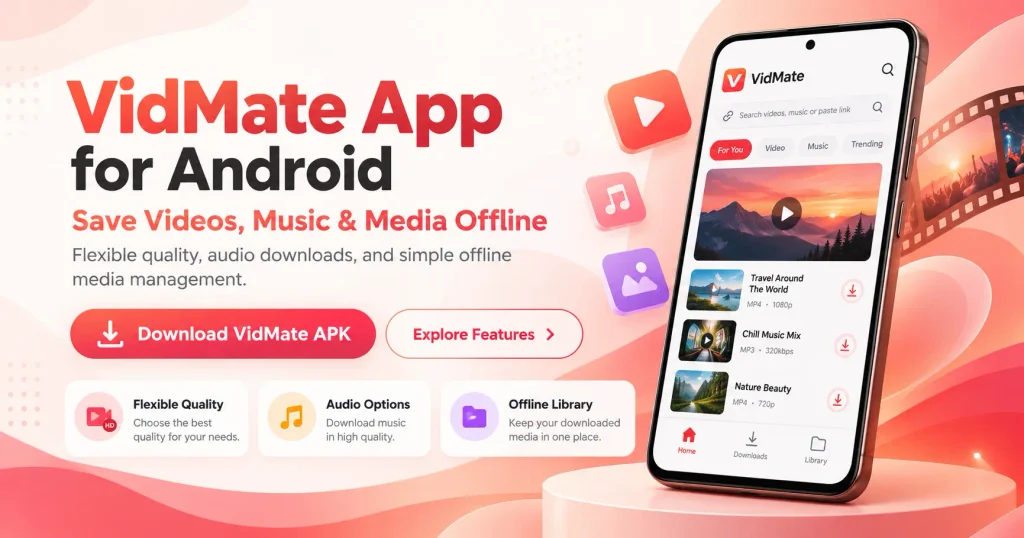
VidMate APK Information
| App Detail | Information |
|---|---|
| App Name | VidMate |
| Platform | Android |
| Package Type | APK |
| Category | Video & Music Downloader |
| Latest Version | Check current verified release |
| File Size | Varies by version |
| Android Requirement | Depends on release |
| Price | Free versions available |
| Video Quality | SD, HD, Full HD and 4K where supported |
| Common Video Formats | MP4, FLV, 3GP and other supported formats |
| Audio Formats | MP3 and other compatible formats |
| Internet Required | Yes, for browsing and downloading |
| Offline Playback | Available for successfully saved files |
| Installation Method | Manual Android APK installation |
This table should stay near the top of the article because visitors looking for an APK usually want the basic technical information quickly. Your original table already contained this information clearly. Pasted markdown
Main Features of VidMate Apk
VidMate includes a range of tools for downloading, organising, and playing supported media. Instead of making this section one long block, I recommend keeping each important feature as an H3 with one focused paragraph.
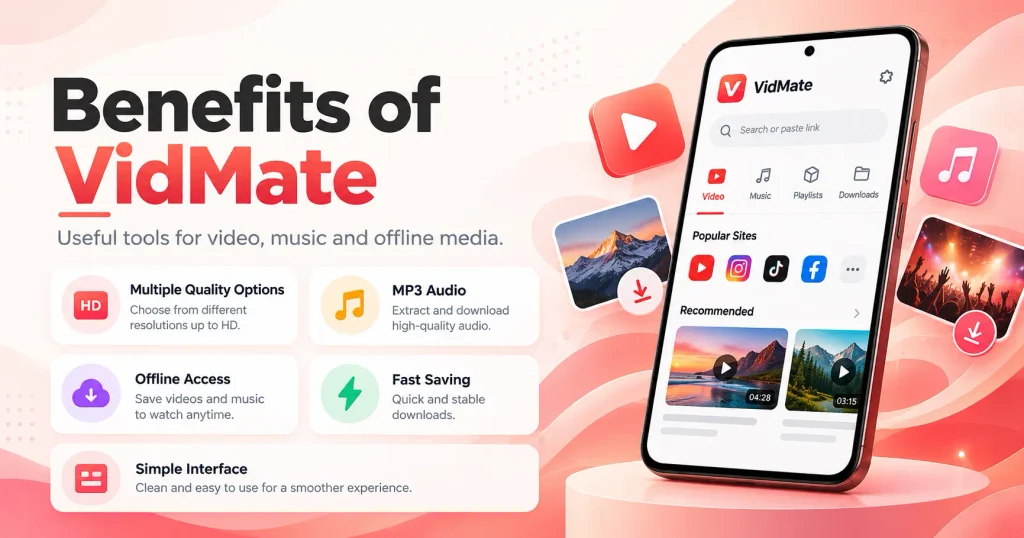
Multiple Video Quality Options
Users may be able to select resolutions such as 144p, 360p, 480p, 720p, 1080p, and 4K when those options are available from the original source. Lower resolutions are useful for saving storage and mobile data, while higher resolutions provide clearer playback on compatible screens. Pasted markdown
MP3 Music and Audio Downloads
VidMate can provide audio-only options for supported media, including MP3. This is useful when users need music, interviews, podcasts, or other audio without storing the full video file. Audio downloads generally take less storage than high-resolution video files. Pasted markdown
VidMate App Download
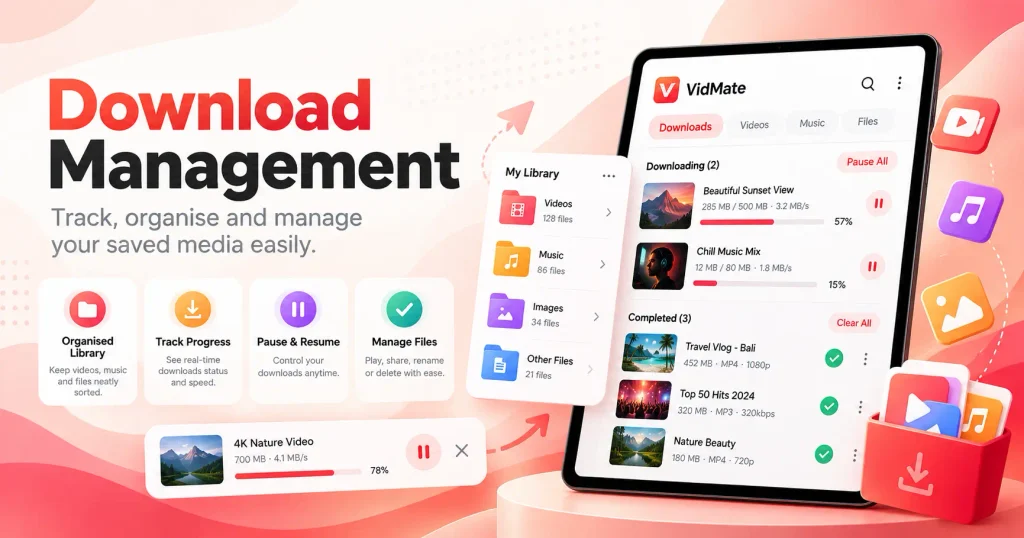
The built-in download manager helps users monitor active transfers, pause supported downloads, resume interrupted files, and keep completed media organised. Actual download speed still depends on the internet connection, device performance, and source server. Pasted markdown
Multiple File Downloads Apk
Compatible releases may allow several files to be queued instead of requiring users to begin every transfer separately. Playlist downloading may also be available for supported sources, which can make larger media collections easier to manage. Pasted markdown
Built-In Search
Users can search for available content directly through the app using titles or keywords. This reduces the need to switch repeatedly between different applications while looking for downloadable media. Pasted markdown
Social Media Support
VidMate may support permitted media from compatible social platforms such as Facebook, Instagram, TikTok, and others. Availability depends on the specific platform, content permissions, app version, and technical restrictions. Pasted markdown
Background Downloads apk
Supported files can continue downloading while users perform other tasks on the device. Android battery optimisation or background restrictions can sometimes interrupt this behaviour, particularly on certain devices. Pasted markdown
Built-In Media Player
Downloaded videos and audio can be opened through the application’s media tools when the file format is supported. This makes offline access more convenient and reduces the need for a separate player for common formats. Pasted markdown
Storage Management
Compatible versions may allow users to save downloaded media to internal storage or an available SD card. Proper storage management is particularly useful for users who regularly save large HD files. Pasted markdown
VidMate Apk Features at a Glance
Your original article contains a good comparison-style feature table. I would keep it, but shorten the wording:
| Feature | What It Does | Main Benefit |
|---|---|---|
| Video Quality Selection | Offers available resolutions | Balances quality and storage |
| Audio Download | Saves supported audio | Convenient offline listening |
| Batch Downloads | Queues several files | Saves time |
| Background Downloads | Continues supported transfers | Better multitasking |
| Built-In Search | Finds media within the app | Easier discovery |
| Media Player | Opens compatible saved files | Offline playback |
| Download Manager | Tracks active and completed files | Better organisation |
| Storage Options | Manages save locations | More storage control |
This information is directly supported by your original feature table. Pasted markdown
VidMate App Download
This is the section that most needs fixing. Your uploaded version contains empty numbered items such as 1., 2., 3. between the actual instructions, which will look broken on WordPress. Pasted markdown
Use this clean version instead:
If installation fails, check device compatibility, available storage, the integrity of the APK file, and Android security restrictions before trying another package. Pasted markdown
How to Download Videos and Music
Open VidMate and search for supported content using the app’s available browsing or search tools. When downloadable media is detected, the application may display available resolution and format choices. Users can select MP4 for supported video files or an audio format such as MP3 when available.
Smaller resolutions generally require less storage and data, while Full HD or higher-quality files can be much larger. After a transfer begins, its progress can be monitored from the download manager. Completed files may then be accessed from VidMate’s download history or the appropriate Android storage folder. Pasted markdown
Supported Video and Audio Formats
| Media Type | Common Formats | Typical Use |
|---|---|---|
| Standard Video | MP4, 3GP | General mobile playback |
| Other Video | FLV, MKV, AVI, MOV | Depends on source/device |
| Audio | MP3, AAC, M4A | Music and spoken audio |
| Additional Audio | WAV, FLAC | Compatible audio players |
| HD Video | 720p, 1080p | High-definition playback |
| Ultra HD | 4K | Compatible high-resolution displays |
Your original article lists these formats, though actual availability depends on the media source and app version. Pasted markdown
Latest VidMate Apk Version?
The newest VidMate release may include compatibility improvements, interface changes, bug fixes, download-management updates, and refinements to supported formats. Instead of claiming that every new version has specific improvements, it is better for SEO and credibility to advise users to check the release notes for the exact APK version they are downloading. Pasted markdown
Platform Compatibility Improvements
Online platforms regularly change their interfaces, media-delivery systems, and restrictions. Updated app versions may therefore adjust compatibility with selected services, although no downloader can guarantee permanent support for every website. Pasted markdown
Better Download Management
Newer releases may improve download history, queue handling, interrupted-transfer recovery, and background download behaviour. These changes are particularly helpful when users work with several large files. Pasted markdown
Interface Improvements
Updates may reorganise categories, menus, search tools, download controls, or playback options to make common actions easier to find. Pasted markdown
Why Do Users Choose VidMate Apk?
VidMate combines several media functions in one Android application. Instead of focusing on a single website or format, it provides browsing, quality selection, audio options, download management, and offline playback where supported. This can make it convenient for users who regularly work with different types of media.
| Area | VidMate | Other Downloaders |
|---|---|---|
| Media Sources | Multiple supported sources | Varies |
| Resolution Options | Multiple available qualities | Depends on app |
| MP3 Options | Available for supported media | May be available |
| Batch Downloads | Available in compatible versions | Not universal |
| Offline Playback | Built-in options | Varies |
| Storage Management | File and location controls | Varies |
| Main Platform | Android | Depends on application |
This comparison is adapted from the structure already in your article. Pasted markdown
VidMate on Android, PC and iOS
VidMate is primarily intended for Android smartphones and tablets. Users searching for VidMate on Windows may encounter Android emulator methods, but that should not be presented as a native Windows version unless an official Windows release actually exists.
Likewise, an Android APK cannot be installed directly on an iPhone or iPad. Websites advertising an “iOS APK” should therefore be treated cautiously because iOS uses a different application format and installation system. Pasted markdown
VidMate App Download for Android
APK safety depends on the exact file, source, publisher, and permissions requested. A website calling itself “official” is not enough on its own to prove that an APK is trustworthy. Users should inspect the download source, review Android warnings, keep device security features active, and avoid modified packages that request unnecessary access. Pasted markdown
For better safety:
Advantages and Disadvantages
Your existing pros-and-cons table is useful and should remain because it gives the article balance. Pasted markdown
| Advantages | Disadvantages |
|---|---|
| Free versions available | Often installed outside Google Play |
| Multiple media sources | Compatibility can change |
| Multiple video qualities | HD files use more storage |
| Audio options available | Features differ by version |
| Download management tools | Updates may require manual installation |
| Batch downloads in some releases | Platform rules may restrict downloading |
| Built-in playback | No equivalent Android APK for iOS |
| Offline file access | Users must respect copyright rules |
VidMate Tips Experience
For a smoother experience, users should match video quality to available storage, use a stable connection for larger downloads, and check the download manager before restarting interrupted files. Keeping separate folders for music and video can also make saved media easier to manage. Pasted markdown
Other useful practices include:
Frequently Asked Questions
Conclusion
VidMate combines video downloading, audio options, quality selection, download management, and offline playback in one Android-focused application. Its usefulness depends on the version, device compatibility, media source, and whether the content is available for downloading.
For your second domain, this revised structure is better because it is cleaner, easier to scan, and less repetitive than the uploaded draft. The most important changes I made are: fixing the broken installation list, shortening overlapping sections, retaining only useful tables, making bullet points appear where users genuinely benefit from scanning, and reducing repetitive keyword phrases so the article reads more naturally.